- TXT51Aspx源码必读.txt2KB
- IMGfrom.jpg11KB
- HTMLTextBox.sln1KB
- 最新Asp.Net源码下载.url123B
- Sample0B
- Backup0B
- HTMLTextBox0B

项目介绍
项目参数














一、更新记录
1、更新日期:2024-09-11 00:00:00
2、更新内容:
环境:VS2022 Winform
二、功能介绍
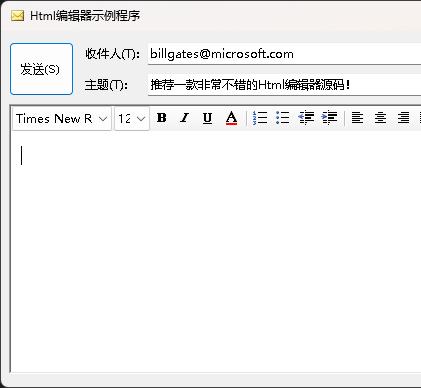
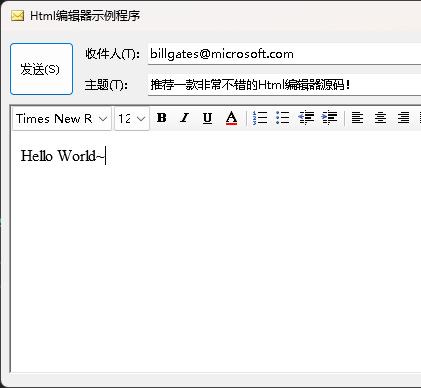
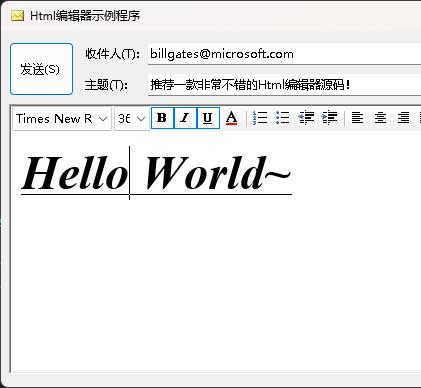
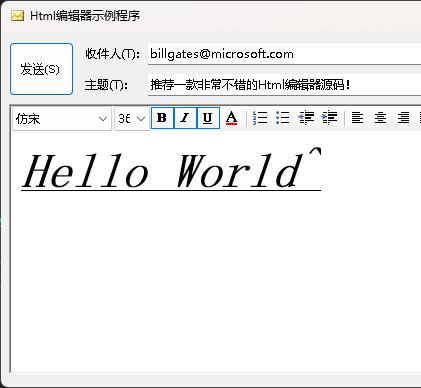
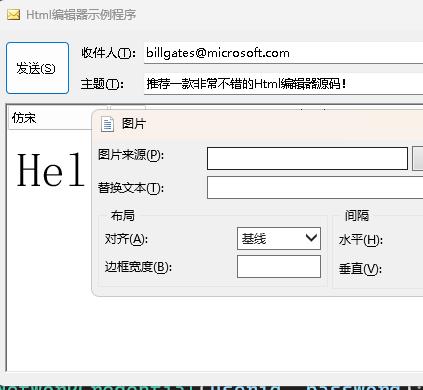
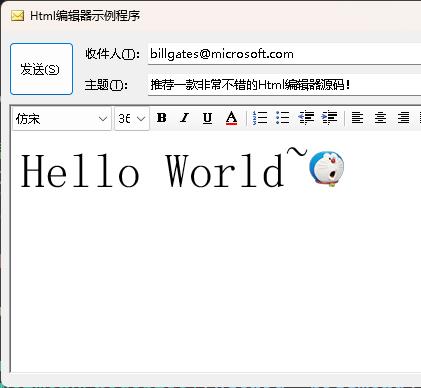
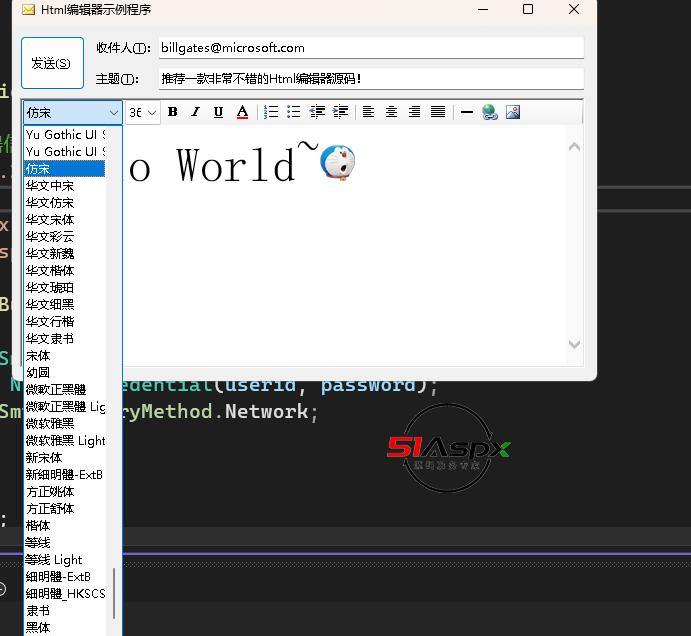
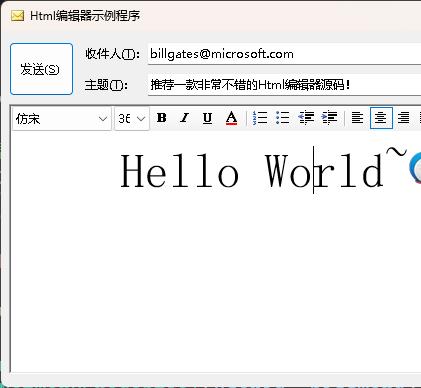
一个不错的Html编辑器控件源码,采用前面介绍的IE的命令标识符对.NET下的WebBrowser控件进行了扩展,使得它不仅可以作为一个Web浏览器,而且可以作为一个功能强大的Web编辑器。
使用命令标识符的基本方法是:
webBroser.Document.ExecCommand(
string command,
bool showUI,
Object value
)
参数:command
要执行的命令的名称。有关命令的完整列表,请参见IE编程之“命令标识符”(Command Identifiers)介绍一文。
showUI:是否向用户显示命令特定的对话框或消息框。
value:要使用该命令分配的值。并非适用于所有命令。
备注:ExecCommand 公开了大量命令,在 HtmlDocument 上没有为这些命令公开方法。使用 ExecCommand,可以插入新的 HTML 元素,选择文本和设置文本格式,以及清除缓存的任何身份验证凭据。
示例
下面的代码示例基于用户当前选定的文本创建一个超链接。
//public void SnipSelected()
//{
// if (webBrowser1.Document != null)
// {
// object o;
// webBrowser1.Document.ExecCommand("Copy", false, ref o);
// string selected = (string)o;
// if (selected != null && selected.Length > 0)
// {
// MessageBox.Show("Selected text: " + selected);
// }
// }
//}
三、注意事项
ctrl+F5运行即可。
责任编辑:超级美少女
下载记录(Only Recent 100)
| 用户名 | 推荐指数 | 下载时间 |
|---|