

学习练手先看:在本机怎么跑起来、要装什么环境。
项目介绍
一分钟看懂这个项目
AI 总结 根据商家说明生成,仅供参考,以商家原文为准一个用于展示 ASP.NET 2.0 投票功能的演示程序,帮助了解相关控件与后台管理
能做什么
- 展示投票列表
- 编辑投票问题
- 删除投票
- 查看投票结果
- 新增投票
- 防止重复投票
- 后台分类管理
上手要点
- 环境VS2022、SQL2019
- 数据库在 web.config 修改连接字符串并附加数据库
- 注意ctrl+F5 运行
适合谁
- 学习 ASP.NET 2.0 的开发者
- 需要投票功能演示的开发者
一、源码描述
环境:VS2022 sql2019
二、功能介绍
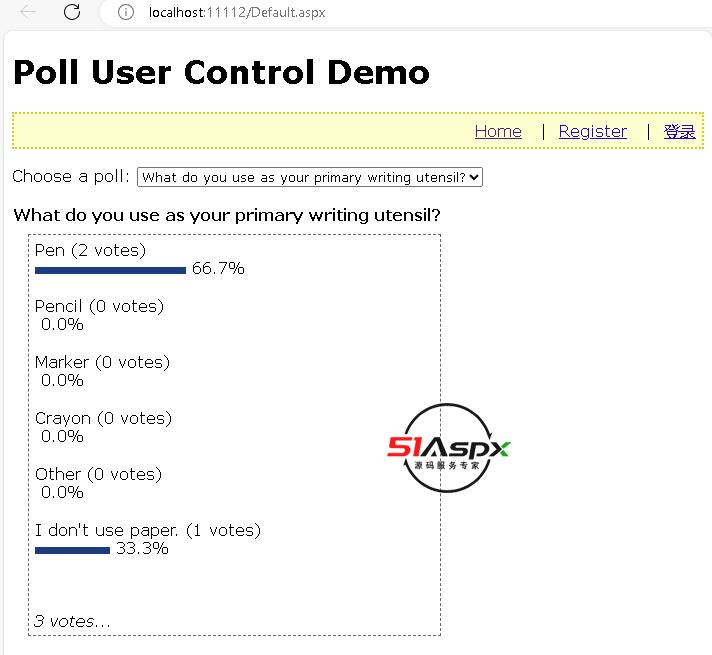
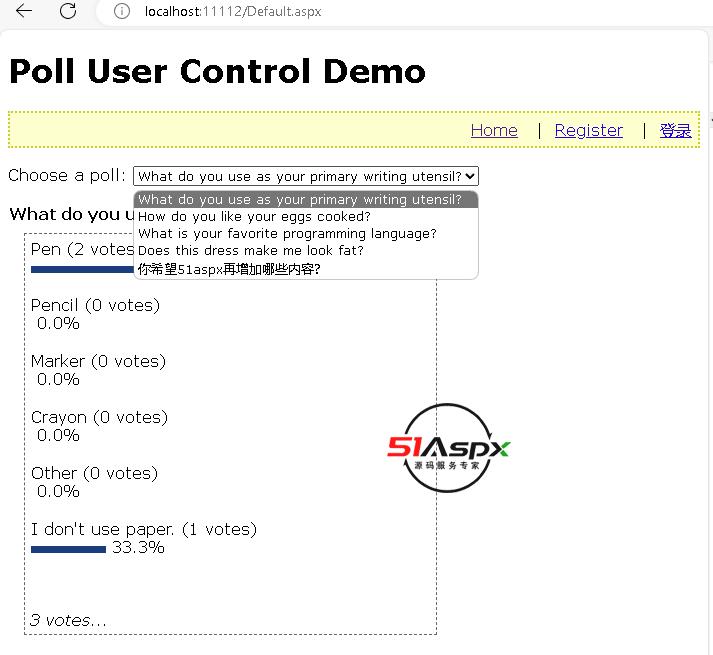
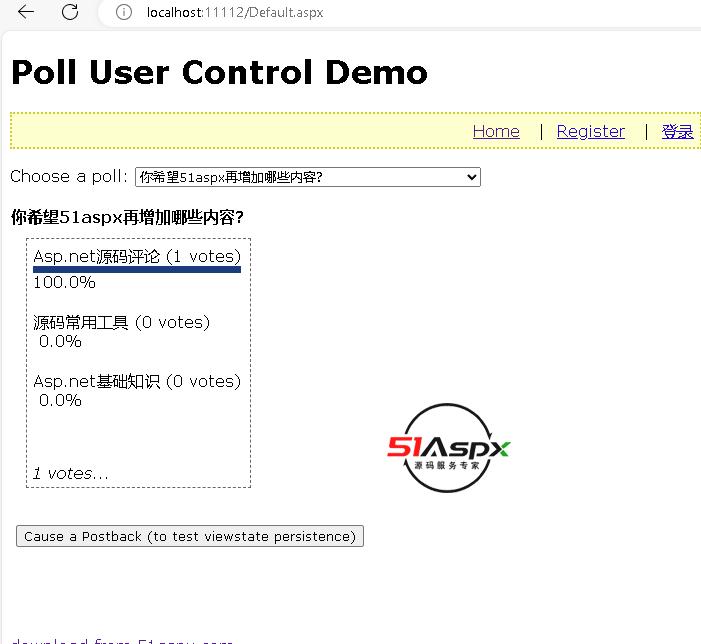
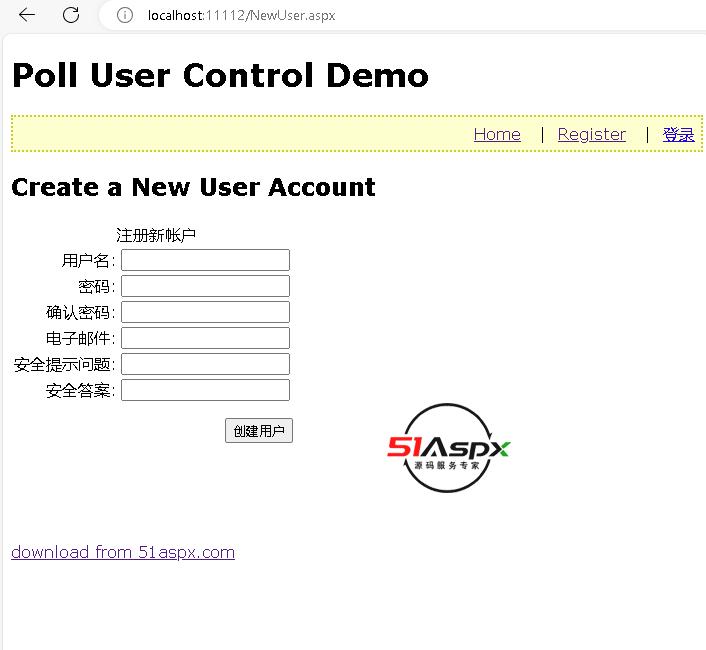
通过一个简单的Asp.net2.0投票程序展示VS2005中的新控件,如MemberShip、SqlDataSource、GridView及Master模板文件等,该系统采用的是Sql2005数据库
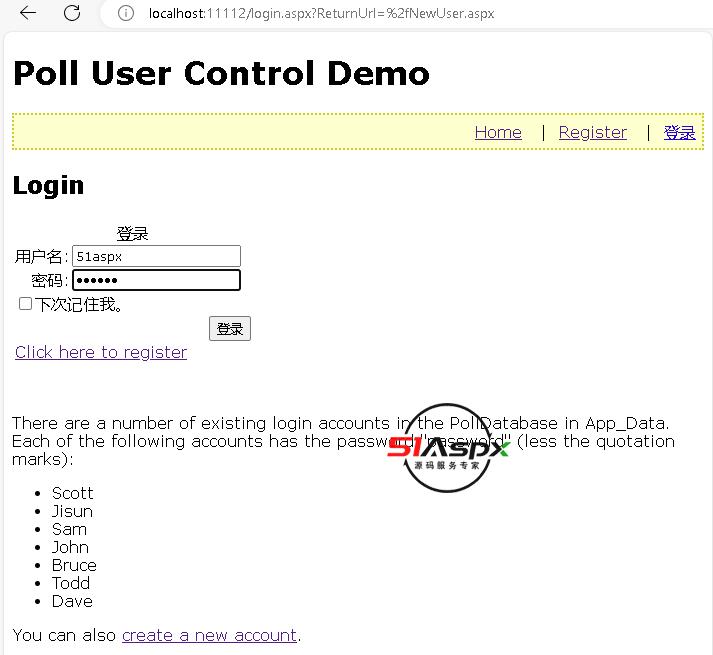
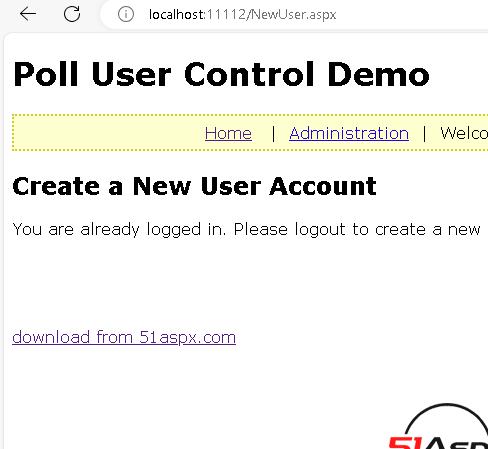
前台具有防止重复投票功能,后台可以通过登陆然后对投票进行分类管理。
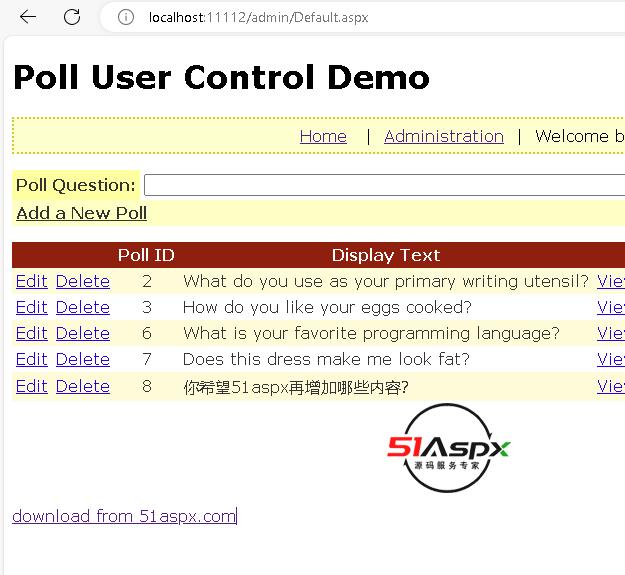
Default.aspx - lists all of the existing polls and enables the administrator to edit the poll, delete it, or view its results. The administrator can also add a new poll from here.
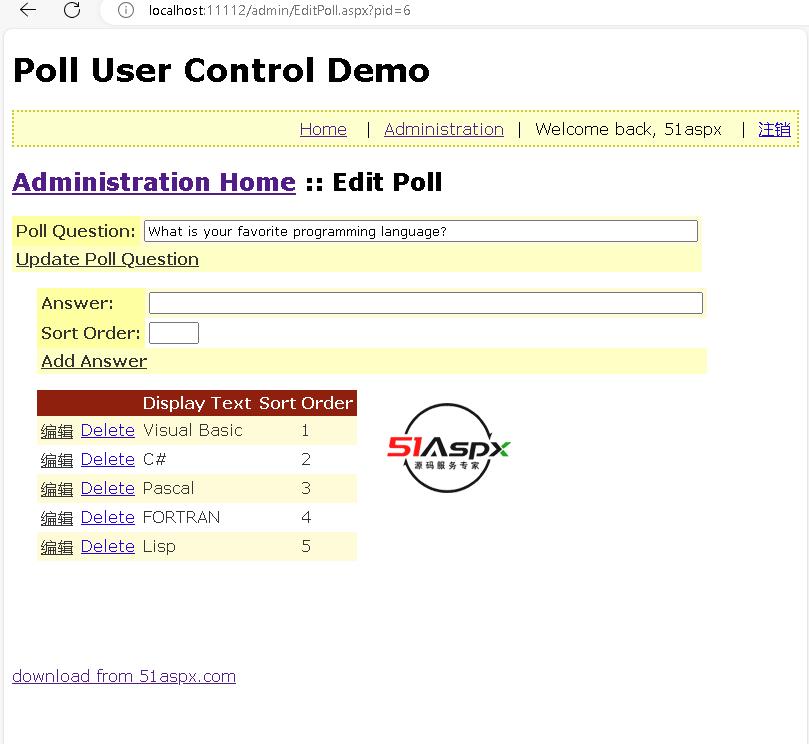
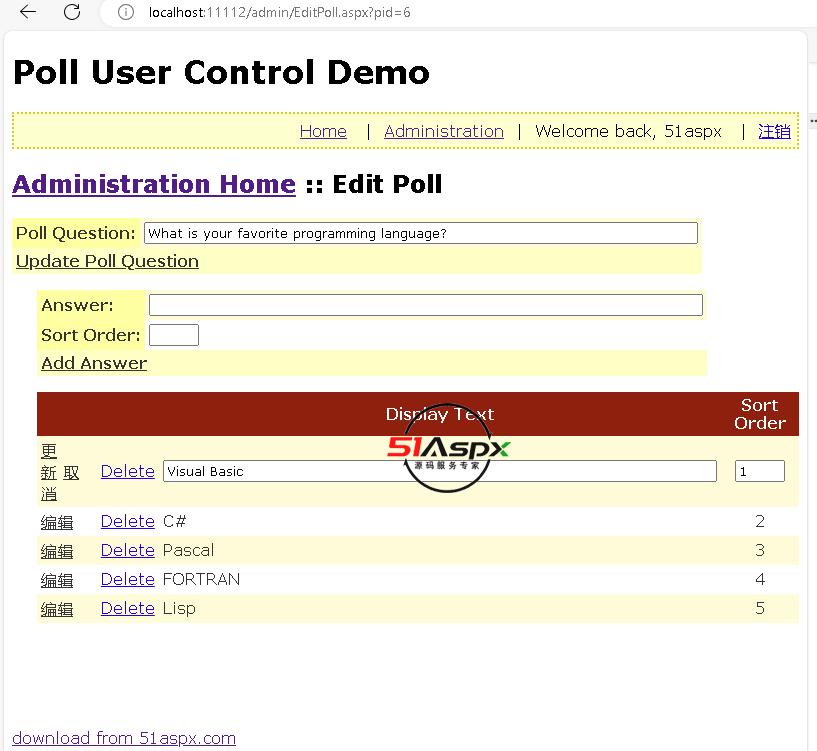
EditPoll.aspx - lists the details for a particular poll, including the poll question ("What is your favorite programming language?") and the poll's answers ("Visual Basic", "C#",
"Pascal", and so forth). Existing poll answers may be edited or deleted; moreover, new poll answers may be added.
PollResults.aspx - displays the results for a specified poll.
Editing, Deleting, and Adding Poll Answers
Clicking the Edit button for a poll takes users to EditPoll.aspx, passing the PollID in the querystring. EditPoll.aspx allows the administrator to perform the following tasks:
Change the poll's question text
Edit an existing answer, updating its display text and sort order
Delete an existing answer (along with any votes that may have been cast for it)
Add a new answer to the poll
三、注意事项
1、在项目web.config修改数据库连接字符串,附加数据库。
2、管理员账号与密码:51aspx 51aspx 。
3、ctrl+F5运行即可。

技术与源码
转给开发同事看 · 点文件名在线看代码原包
- 项目类型B/S
- 支持 SaaS 模式未说明
- 开发语言C#
- 数据库SQL2019
- 推荐工具Visual Studio / Rider
- 项目版本v1.0
- 文件大小1.72MB
源码目录浏览文件 · 在线阅读源码
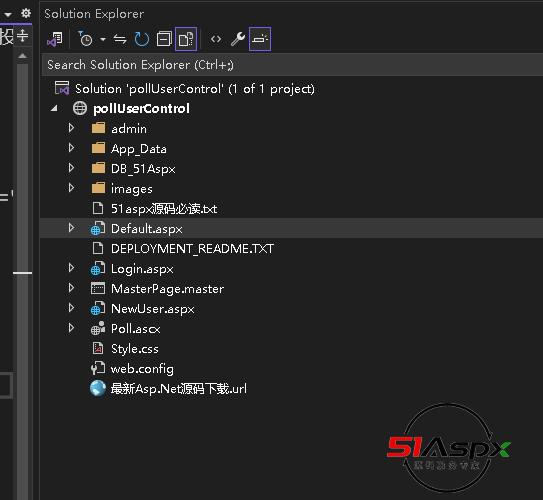
- Default.aspx1KB
- Default.aspx.cs889B
- Login.aspx891B
- Login.aspx.cs457B
- MasterPage.master1KB
- MasterPage.master.cs414B
- NewUser.aspx899B
- NewUser.aspx.cs405B
- Poll.ascx4KB
- Poll.ascx.cs7KB
- Style.css449B
- CFGweb.config1KB
- TXT51Aspx源码必读.txt2KB
- TXTDEPLOYMENT_README.TXT623B
- IMGfrom.jpg11KB
- 最新Asp.Net源码下载.url123B
- admin0B
- App_Data0B
- DB_51Aspx0B
- images0B
点文件目录里的文件名可以在线看代码;看不懂某个文件,可以在代码页下面请 AI 解读, 配置文件、建库脚本、说明文档还能选「部署 / 配置说明」,告诉你部署时要改哪几处。
更多项目
这套不合适的话,看看这几个


「」
 微信安全登录